Testing on an Indian Emulator
If you need to use an emulator located in India or any other specific location, this guide outlines the best approach. Note that this method can be costly compared to other AWS services, so it is recommended for limited use cases, such as testing true latency.
Cost Breakdown 💰
| Instance Type | Product Cost/Hour | EC2 Cost/Hour | Total/Hour |
|---|---|---|---|
| c6g.xlarge | $0.50 | $0.136 | $0.636 |
Step 1: Prepare Your App 📱
Transferring an APK directly can sometimes cause issues. Instead, using Google Play Internal Testing is a reliable approach:
-
Create a New Release
- Navigate to the Google Play Console and create an internal testing release.
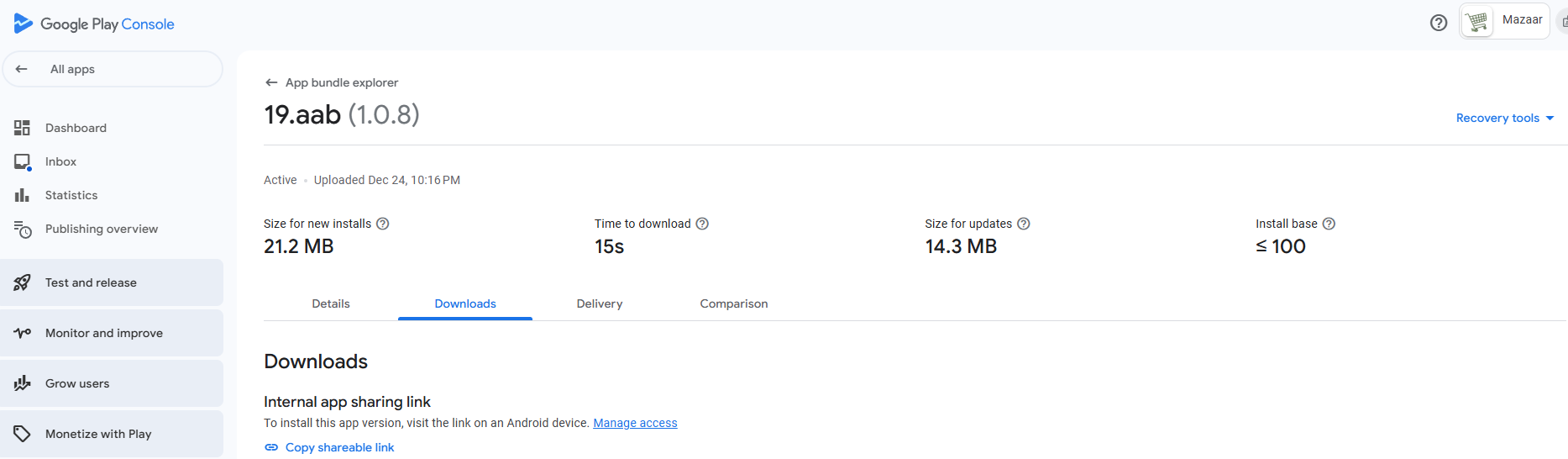
- Once the release is ready, retrieve the shareable link from the App Bundle Explorer under the "Downloads" section.
- Example screenshot:
 .
.
- Example screenshot:
-
Shorten the Link
- Use a URL shortener (e.g., ShortURL) to create a simplified link for easy access.
Step 2: Create a New Instance ⚙️
-
Find Genymotion Cloud in AWS Marketplace
- Go to the AWS Marketplace and search for
Genymotion Cloud. - Subscribe to the service if you haven’t already.
- Go to the AWS Marketplace and search for
-
Launch the Instance
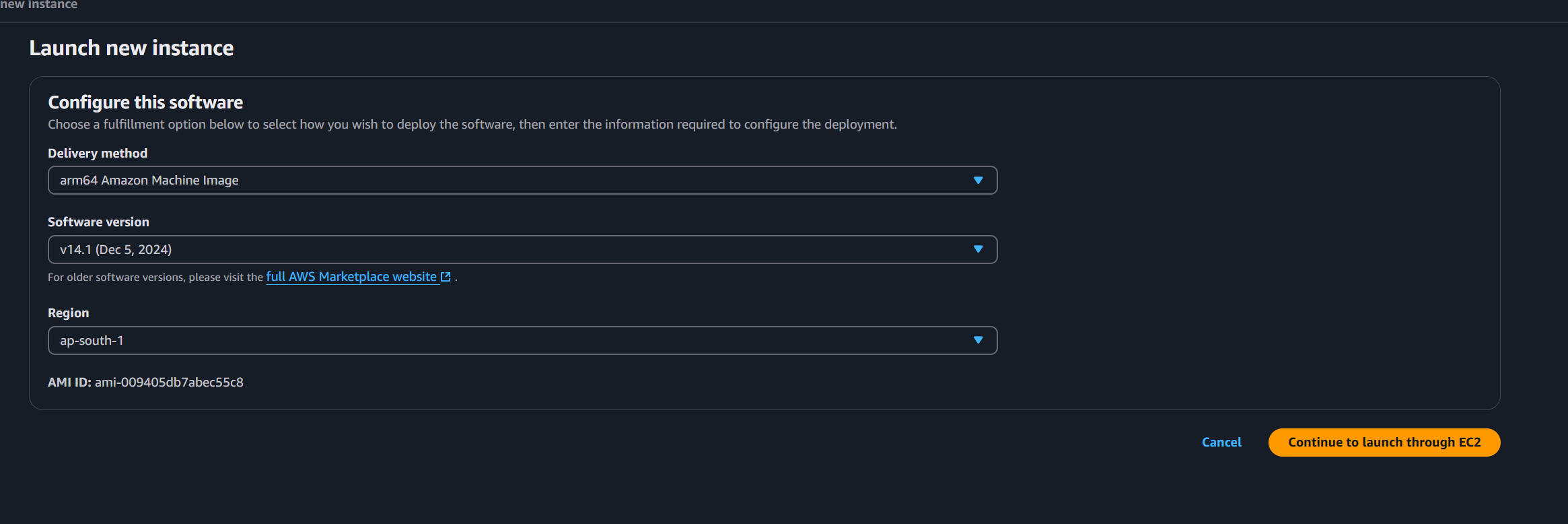
- Ensure the instance is created in the correct region (e.g., Mumbai for India).
- Example screenshot:
 .
.
- Example screenshot:
- Ensure the instance is created in the correct region (e.g., Mumbai for India).
-
Start the Instance
- Once launched, the instance will start initializing.
Step 3: Use an Existing Instance 🖥️
-
Access EC2 Instances
- Go to the EC2 dashboard in your desired region (e.g., Mumbai EC2 Dashboard).
-
Start the Emulator Instance
- Locate the instance named
android emulatorand start it. - The instance uses a Genymotion image. For additional details, refer to the Genymotion AWS Documentation.
- Locate the instance named
-
Connect to the Instance
- Copy the Public IPv4 Address from the instance details.
- Example screenshot:
 .
.
- Example screenshot:
- Paste the IP address into your browser and proceed:
- Go to "Advanced" and select "Proceed to ... (unsafe)."
- Copy the Public IPv4 Address from the instance details.
-
Login Credentials
- Username:
genymotion - Password: Instance ID (found in the instance details).
- Username:
Step 4: Test the App 🧪
-
Install the App
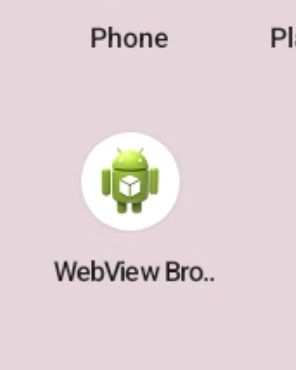
- Open the browser on the emulator and enter the shortened link you created earlier.
- Browser screenshot:
 .
. - Download and install the app.
- Open the browser on the emulator and enter the shortened link you created earlier.
-
Run Tests
- Perform your testing as required. Note that latency and region-specific behaviors can now be evaluated effectively.
Log Observations 📝
The emulator includes a logging section; however, it has limitations:
- Logs only certain actions.
- Features like app-specific filtering may not work reliably.
By following this guide, you can effectively set up and test your app on an Indian emulator while minimizing potential setup issues. 🌟