Reporting Bugs on Discord
Why Report Bugs on Discord
To accomodate the increased velocity of bug fixing, reporting bugs on Discord provides an easier and more streamlined method of identifying, reporting, and assigning issues. Using the Discord bot "Builderman", users can create bug reports, assign themselves to different reports, and track their progress.
Bug Reporting Procedure
Create the Report
Locate the #bugs channel in the Discord. In the channel, type in /report. You should then receive a DM from the Builderman bot.
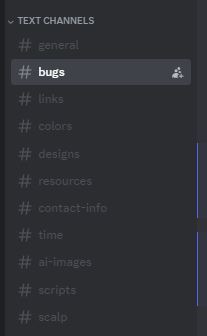

Editing the Report Fields
Builderman will first request a title. Enter a title in your DM that is less than 256 characters.
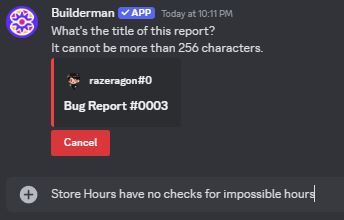
If the title is accepted, Builderman will react to your title with a ✅.
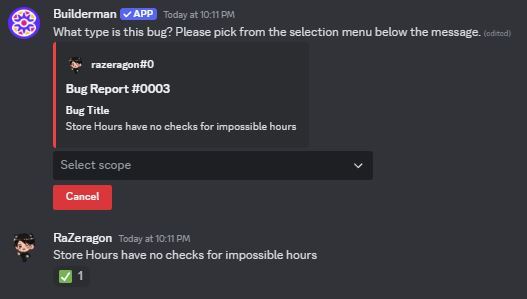
Builderman will then request a scope level. Select the appropriate scope level from the dropdown menu.
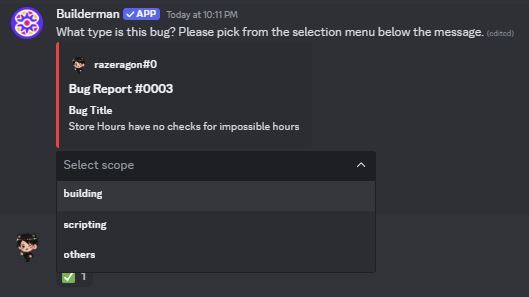
Builderman will then update its report with the selected scope level and request a "game". For now, select "frontend".
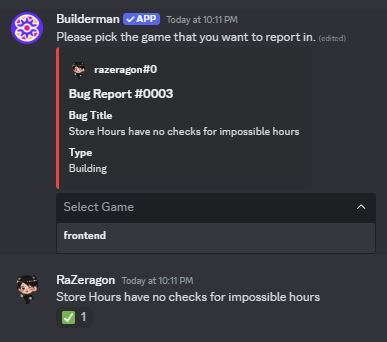
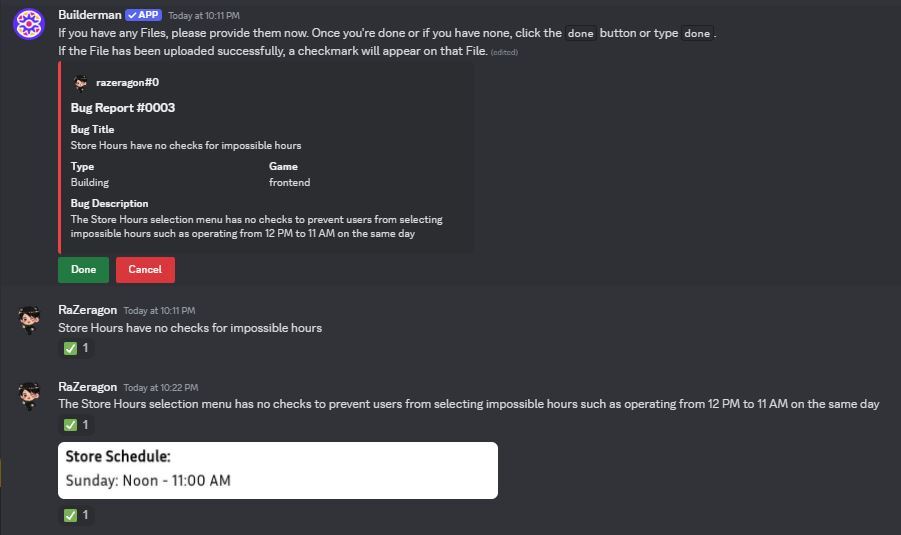
Builderman will then request a description of the bug. Please provide as much detail as possible within the 1024 character limit.

Builderman will then request any files associated with the bug report. Upload them into the DM, and Builderman will react with a ✅ if they are accepted. Click the done button or type done to finish.
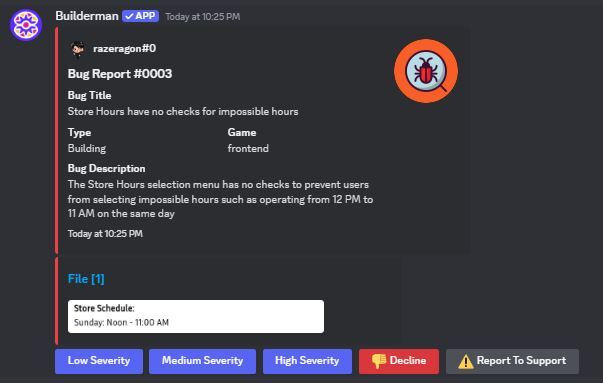
In the #bugs channel, Builderman will ask to provide the Bug Report with an associated severity. Select the appropriate severity.
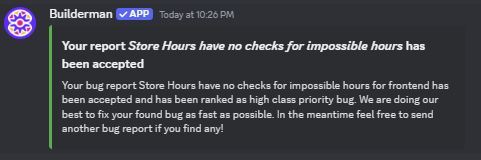
Builderman will then DM you that your report has been accepted.
Reserving a Bug Report
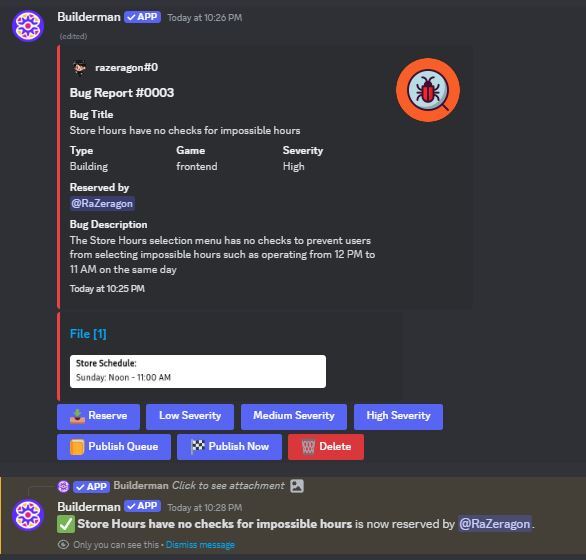
To reserve a bug report (signify that you will be working on it), select the Reserve button on the associated bug report. Builderman will then notify you that you have reserved that bug report, and your name will appear in the bug report. To unreserve yourself from a bug report, just click the reserve button again.
Finishing a Bug Report
To signify that the bug report has been closed, select the Publish Now button on the associated bug report.
Deleting a Bug Report
To delete a bug report, select the Delete button on the associated bug report.